You’ve set up your Google Business Profile, added your details, and expected to see your company pop up on Google Maps searches. But nothing. Your competitors are there, yet your listing feels invisible.
This is among the most prevalent annoyances for local businesses. Google Maps can be the most potent provider of customers by far, but if your business isn’t listed, you’re missing visibility and profits. The good news is, there’s always an explanation—and a solution.
Let’s dissect the most prevalent problems that keep businesses from appearing on Google Maps and how you can fix them.
1. Your Google Business Profile Isn’t Verified
If your profile is not verified, Google will not display it to the public. Verification is how Google verifies that your company is legitimate and yours.
Fix:
- Log in to Google Business Profile.
- Ask for verification by mail, phone, or email (depending on the type of business you have).
- Finish the verification process before you can hope to show up in Maps.
- Without verification, you’re invisible.
2. You Chose the Wrong Business Category
Your main business category is one of the strongest ranking signals. If you used a wide or wrong category, you won’t appear for the searches that count.
Repair:
- Log into your Google Business Profile settings.
- Choose the best primary category (e.g., “Roofing Contractor” rather than simply “Contractor”).
- Include secondary categories for companion services.
Having the right category means Google links you to the proper search intent.
3. Your Business Information Is Incomplete
Google prefers completely optimized listings. If your profile contains just a name and phone number, you’re not going to rank.
Fix:
- Fill in a full business description with relevant keywords.
- Post accurate business hours.
- Post a logo and actual photos of your staff, services, or projects.
- Detail your services and products.
The more comprehensive your profile, the greater confidence Google has in it.
4. You Haven’t Specified a Service Area (for SABs)
Service Area Businesses (electricians, plumbers, cleaners) tend to forget to specify where they serve. Without doing so, Google has no idea where to display you.
Solution:
- Don’t show your physical address if customers don’t come there.
- Create a service area by city, zip code, or radius from your headquarters.
- Be real—Google is impressed by precision, not hyperbole.
5. Your Location Is Too Far From the Searcher
Google Maps results rely significantly on geography. If one queries “roof repair near me,” companies nearest their position tend to appear first.
Fix:
- You can’t relocate your company, but you can:
- Concentrate on acquiring reviews with location terms (“best roofing in Queens”).
- Develop location-specific landing pages on your site.
- Have healthy expectations: you will be stronger-ranked nearer your hub, weaker-ranked farther away.
6. Your Website SEO Is Weak
Google cross-references your site with your Google Business Profile. Without relevance signals on your site, your profile suffers.
Solution:
- Ensure your website is fast and mobile-friendly.
- Include service area pages that note specific cities and neighborhoods.
- Implement LocalBusiness schema markup.
- Double-check that your name, address, and phone number exactly match your GBP.
Your website and GBP are in cahoots—if one is weak, the other suffers.
7. You Don’t Have Enough Reviews
Reviews are also one of the largest causes of prominence. A company with no reviews hardly appears in Maps.
Fix:
- Ask all your satisfied customers for a review.
- Send direct links by text or email to make it convenient.
- Request detailed reviews that include services and locations.
- Respond to all reviews to demonstrate involvement.
- New, ongoing reviews move you up in rankings.
8. Your Profile Is Inactive
Google does not want to suggest companies that appear abandoned. If you haven’t touched your profile in months, it can damage your visibility.
Solution:
- Post updates, promotions, or service highlights on a regular basis.
- Add new images of projects, staff, or vehicles.
- Maintain business hours up-to-date, particularly during holidays.
- An active profile indicates credibility and usefulness.
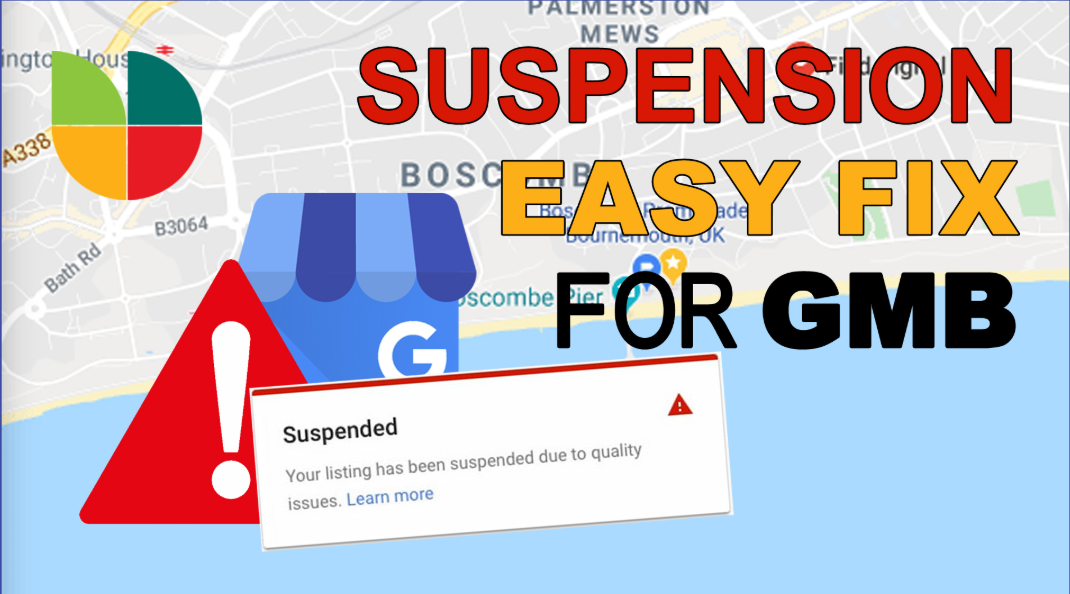
9. You’re Breaking Google’s Policies
If Google detects spam or policy violations, your listing can be suspended or filtered from view.
Examples of common mistakes include:
- Keyword stuffing in your business name.
- Using fake addresses or virtual offices.
- Creating multiple profiles for the same location.
- Paying for fake reviews.
Fix:
- Read and follow Google’s Business Profile Guidelines.
- Remove anything that violates rules.
- Appeal suspensions through Google support if necessary.
10. You’re Not in the Top 20 Results
Sometimes your company is listed on Google Maps but dug so deep you can’t find it. Only the first 3 are shown in the Map Pack, and most people never even scroll to the second or third.
Solution:
- Prioritize relevance, prominence, and proximity.
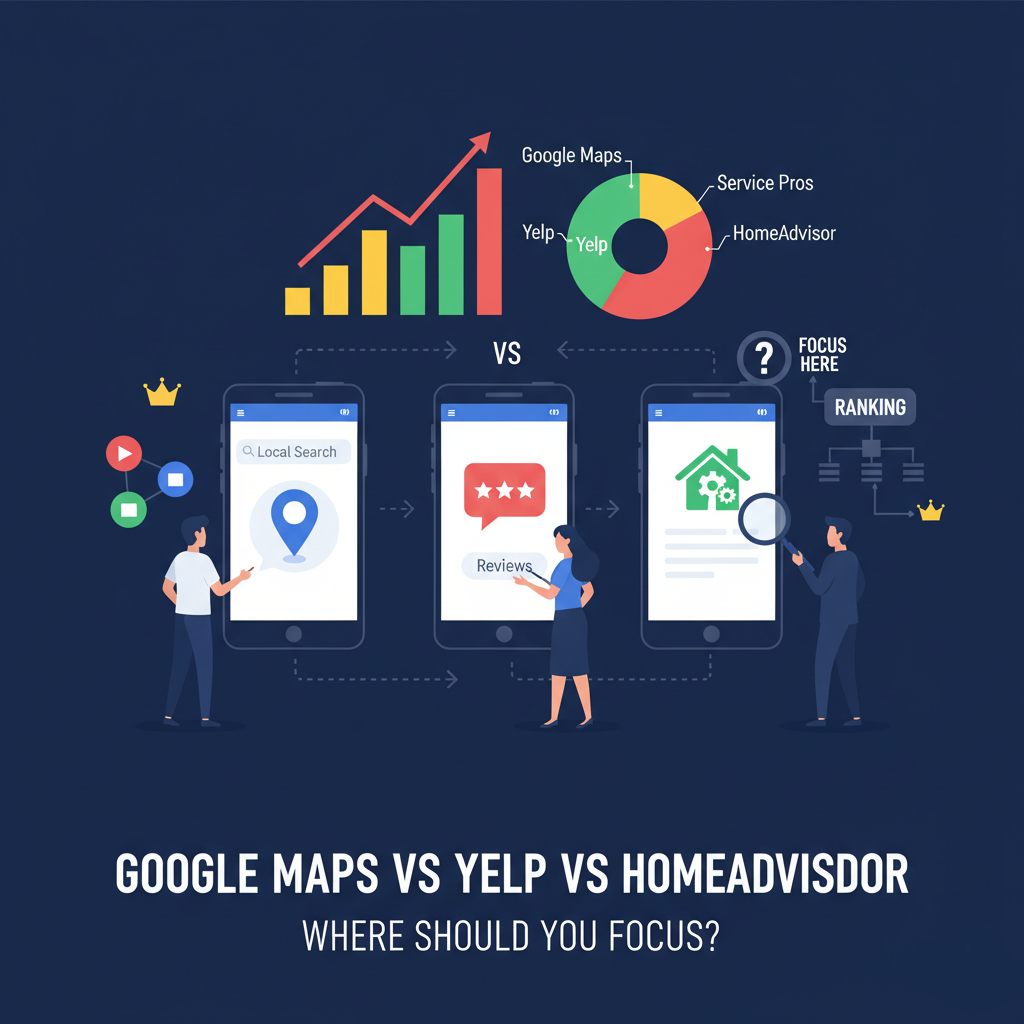
- Create citations on directories such as Yelp, Angi, and local chamber of commerce.
- Enhance backlinks to your site.
- Keep optimizing—getting into the top 3 requires ongoing effort.
People Also Ask (with answers)
How long has it been before my business appears on Google Maps?
Typically, within 3–7 days of verification. But ranking higher can take several weeks or months of optimization.
Can I appear on Google Maps without a physical address?
Yes. Service Area Businesses can suppress their address and define service areas instead.
Do I need to have a website to appear on Google Maps?
You don’t have one, but with a website that supports your GBP information significantly enhances your chances of ranking.
Why has my business vanished from Google Maps?
It’s most likely from a suspension, profile discrepancies, or updates to Google’s algorithm. Review your GBP dashboard for notifications.
Conclusion
If your business isn’t showing up on Google Maps, it’s not random. It’s almost always one of three things: your profile isn’t set up correctly, your reviews and engagement are weak, or you’ve broken Google’s guidelines.
- The fix is to take a systematic approach:
- Verify and fully optimize your Google Business Profile.
- Build trust through consistent reviews and engagement.
- Strengthen your website and citations.
- Play by Google’s rules—no shortcuts.
Getting seen on Google Maps isn’t a matter of flipping a switch, but each small step you take brings you closer to appearing where customers are looking.