Getting listed in the Google Map Pack is just like getting prime shelf space for your product at a store. When someone in your area is searching for what you offer, making it into that top three can be the difference between them visiting your business or their visiting your competitor. But how does it determine which businesses to include?
The truth is, Google will never reveal the entire algorithm. What we do have is from formal announcements, data studies, and testing by businesses trying local SEO. Dissect it into the real factors that influence your placement on Google Maps—so you can move your listing from invisible to visible.
1. Proximity: How Close You Are to the Searcher
Google’s highest priority is showing users their actual nearby businesses. When a user types “plumber near me,” the algorithm will not display thirty miles away, they are highly rated.
Which means:
- Your real address matters.
- Having a bona fide business address within the city or neighborhood you want to rank for is critical.
- Service-area businesses (like plumbers, electricians, cleaners) need to correctly set their service area in Google Business Profile (GBP).
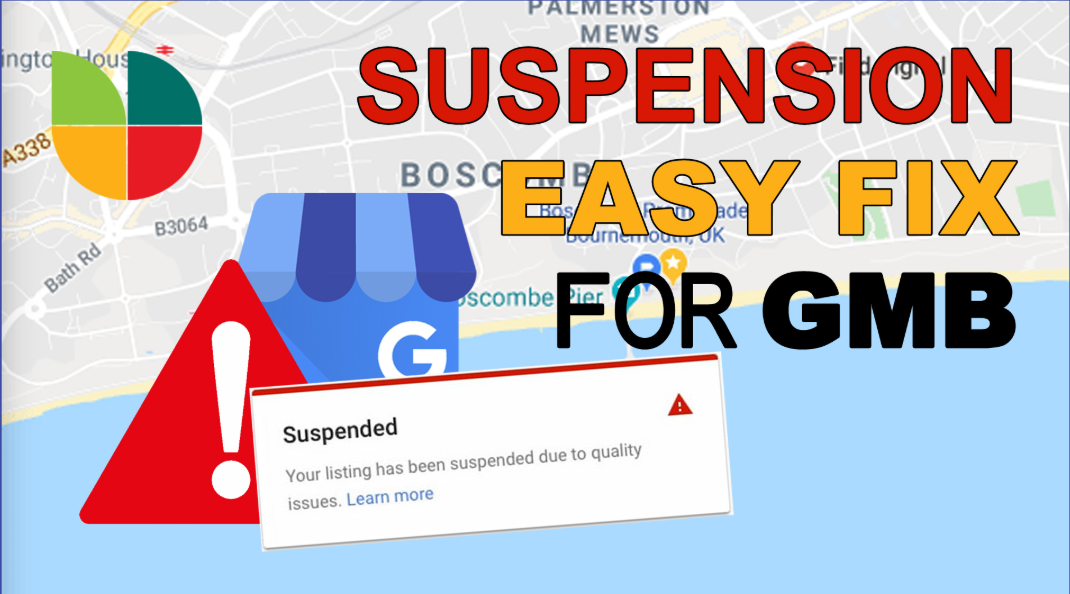
Tip: Do not try to spoof locations using virtual offices or P.O. boxes. Google cracked down on it and suspensions are the rule of the day.
2. Relevance: Do You Match the Search Intent?
Relevance is how Google verifies if your business is what the user is looking to view. Your profile details give Google the clues it needs.
Relevance factors are most important:
- Business Category: Your primary category is one of the strongest signals. You can kill your ranking opportunities if you mess this one up.
- Business Name (no keyword stuffing): While keyword-stuffing your business name previously created wonderful outcomes, Google now penalizes this. Make it simple.
- Business Description: Writing naturally for humans with keywords within your description makes Google smart enough to understand what you do.
- Services and Products: Allowing these fields to have data. adds further signals.
- Website link: Google crawls your website to determine relevance, so your map placement is backed by your website SEO.
3. Prominence: How Recognized and Reputable Your Company Is
Google’s measure of trust and authoritativeness is called prominence. It is a type of reputation, both offline and online.
Attributes that affect prominence:
- Reviews: Quantity and quality of reviews. A business with two hundred reviews at 4.7 stars will outrank one with ten reviews at 5 stars.
- Review Responses: Review response signals engagement and build trust.
- Backlinks & Citations: Mentions of your business across the web (directories, local news sites, blogs) provide authority.
- Brand Signals: Social media, media coverage, and consistent name-address-phone (NAP) information all enhance prominence.
4. Review Quality and Frequency
Google emphasizes reviews, not only in number but in detail. A review of “Great service!” is less valuable than a review that states what the service was, how it was received, and why the customer is recommending it.
What is important:
- Keywords in Reviews: Customers who speak to your service (“best roof repair in Brooklyn”) contribute to rankings.
- Frequency of New Reviews: Regular, repeated reviews are more effective than an initial burst of twenty in a week and then silence.
- Diversity of Reviewers: Reviews from active, authentic Google accounts carry more weight.
Tip: Ask customers to review by sending a direct Google review link after service.
5. Photos and Media
Google favors visuals because so do customers. Listings that include photos receive more clicks, calls, and directions requests. Google catches on.
Best practices:
- Upload real photos of your location, staff, and services.
- Add videos if possible.
- Encourage customers to add photos in their reviews.
- Keep updating your gallery—fresh images show you are active.
6. Engagement Signals
Google observes how users engage with your listing. Do they click to call you? Do they get directions? Do they click to your website?
Good engagement informs Google that your listing is helpful and needs to be displayed more.
How to increase engagement:
- Use Google Posts to publish promotions and updates.
- Keep your operating hours up to date.
- Add FAQs and messaging so that customers can contact you right away.
7. Website Authority and On-Page SEO
Your Google Business Profile is not a standalone island. It connects to your website, and Google verifies your business by checking out your site.
What helps:
- A readable, quick-loading website.
- City, neighborhood, or service area-mentioning location pages.
- Schema markup for local businesses.
- NAP information consistently in the same format as your GBP.
If your site ranks well organically, it enhances your Map Pack ranking.
8. Consistency of Business Information
Google verifies your information on the web. If your name, address, or phone number (NAP) is different on directories, Yelp, Facebook, or your site, it raises suspicion.
Consistent business information everywhere. Small variations—like “Street” vs “St.”—will not usually do damage, but wrong numbers or addresses will.
9. Updates and Activity
Google prefers to show active, not abandoned, businesses. An out-of-date profile tells Google (and customers) that you might not be very responsive.
- Post updates, events, and offers.
- Keep your hours current.
- Modify your services as they become distinct.
- Add new seasonal images or staff photos.
- Consistency and recency are indicators of trustworthiness.
10. Spam Signals and Penalties
Google not only rewards positive signals—it penalizes negative ones too. Attempting to manipulate the system typically boomerangs.
Do not:
- Keyword stuffing in company names.
- Spam reviews (most get caught by Google’s AI these days).
- Virtual offices or fake addresses.
- Duplicate listings for one location.
- Getting suspended can ruin your visibility in a matter of one night, so focus on real growth.
People Also Ask (with answers)
How long does it take to appear on Google Maps?
It depends on competition, but most businesses experience improvements in 2-3 months of consistent optimization. Extremely competitive markets may take longer.
Does posting on Google Business Profile improve ranking?
Yes, regular posts increase engagement and activity signals, which can indirectly improve your ranking.
Do review keywords affect Google Maps ranking?
Yes, when customers mention services or places within reviews, it also proves your usefulness for such searches.
Can I appear on Google Maps if I do not have physical business?
Yes, if you are a service-area business, you can set your service area on your GBP. But you must have a verified business address (not virtual).
Conclusion
Google Maps ranking is not about gaming—about gaining trust and proving you are the best local choice. Proximity, relevance, and prominence form the foundation, but reviews, photos, engagement, and consistency deliver the competitive edge.
If your listing is not where you want it to be, do not panic. Start with the basics: choose the correct business category, optimize your profile, ask for reviews, and update your listing. Google will recognize and reward the businesses that do the challenging work and provide actual value to searchers.