For most local companies, success isn’t about walking-in traffic. Plumbers, electricians, roofers, landscapers, pest control businesses, and cleaners don’t sit around waiting for the customer to come in, they come to the customer’s house or office. These are Service Area Businesses (SABs).
But the problem is, Google Maps has historically advantaged businesses with physical addresses. So how do SABs without a store front rank in the Map Pack?
The good news is that Google acknowledges the distinctive nature of service area businesses. With proper setup and strategy, you can rank well in Google Maps even without an office customers can go to. Let’s take it one step at a time.
What Is a Service Area Business (SAB)?
A Service Area Business is any business that provides services directly to customers at their location instead of from a central store. Examples include:
- Plumbers
- HVAC technicians
- Pest control businesses
- Roofers
- Electricians
- Cleaning businesses
- Mobile mechanics
Rather than displaying a public address on Google Maps, SABs set a service area that determines where they work. This instructs Google, “We service customers in these neighborhoods, towns, or cities.”
Step 1: Setting Up Your Google Business Profile (GBP)
Your Google Business Profile is the basis of your Maps ranking. SABs have special setup needs:
Hide Your Address:
If customers don’t come to you, don’t expose your address. Instead, choose the option of serving customers at their place.
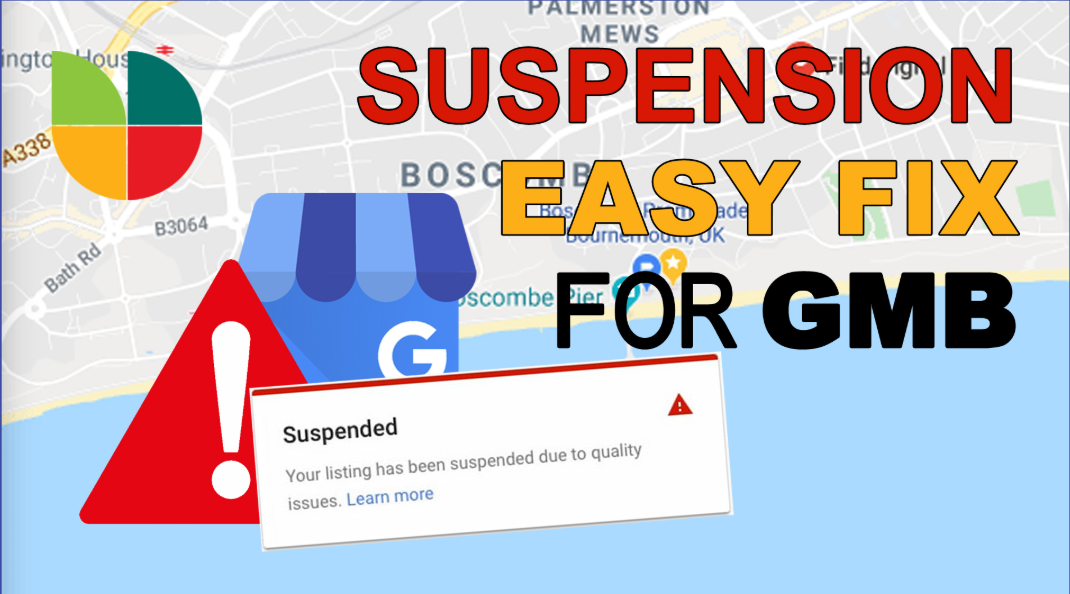
This avoids problems with Google suspending your listing for having a non-customer-facing office.
Define Your Service Area:
Select cities, zip codes, or a radius around your hub location.
Be practical, don’t include 10 cities you can’t cover. Google will suppress your visibility if your service area appears artificial.
Choose the Right Category:
Your main business category is one of the biggest ranking influences. For instance:
- Plumber
- Roof repair contractor
- Pest control service
Include secondary categories for similar services.
Fill Out Every Detail:
Phone number, business hours, website, services, and description should all be completed correctly.
Step 2: Building Relevance Without a Storefront
Google Maps rankings are largely driven by relevance. Absent a storefront, SABs must provide Google with other strong indicators.
- Business Description: Use a concise, keyword-loaded description that contains the services you offer and the areas you serve.
- Service Listings: Include specific services in GBP (e.g., “Drain Cleaning,” “Roof Leak Repair,” “AC Installation”).
- Photos: Although you lack a physical location, post real photos of your staff, trucks, equipment, and before/after project photos.
- Posts: Leverage Google Posts to present updates, seasonal offers, and finished projects.
Step 3: Reviews: Your Strongest Weapon
Reviews for SABs tend to be more important than visibility in location. A flow of quality reviews puts you ahead of the competition.
What’s most important:
- Keywords in Reviews: Users saying “best plumber in Brooklyn” or “roof repair in Queens” directly reinforces relevance.
- Recent: New reviews demonstrate activity.
- Responses: Responding to reviews indicates engagement.
Pro tip: Send review request links after each job. Too many SABs skip this step, and it’s the quickest way to gain credibility.
Step 4: NAP Consistency Without an Office
NAP is an acronym for Name, Address, Phone number. For SABs:
- You do need a valid business address for verification purposes, but you can keep it private.
- Make sure your business name and phone number appear consistently on your website, social profiles, and directories.
- Don’t use fake addresses, co-working offices, or P.O. boxes—Google suspends listings for this.
Step 5: Website Optimization for SABs
Your website is a major contributor to maintaining your Maps ranking. Even without a storefront, your site must demonstrate to Google where and how you service customers.
Key strategies:
- Service Area Pages: Establish location-based pages (e.g., “Plumbing Services in Queens,” “Roof Repair in Brooklyn”).
- Schema Markup: Include Local Business schema to emphasize your service areas.
- Mobile-Friendly Design: Most customers will find you on mobile when they search “near me.”
- Clear NAP Info: Even if your address is concealed on GBP, display your service areas clearly on your website.
Step 6: Engagement Signals Matter
Google monitors how individuals engage with your listing. For SABs, effective engagement can override the absence of a storefront.
Increase engagement by:
- Maintaining your business hours up to date.
- Adding FAQs to your profile.
- Making messaging available so customers can text you straight from Maps.
- Posting frequently so customers notice fresh activity.
Step 7: Citations and Backlinks
Even without a store, being cited throughout the web increases your visibility.
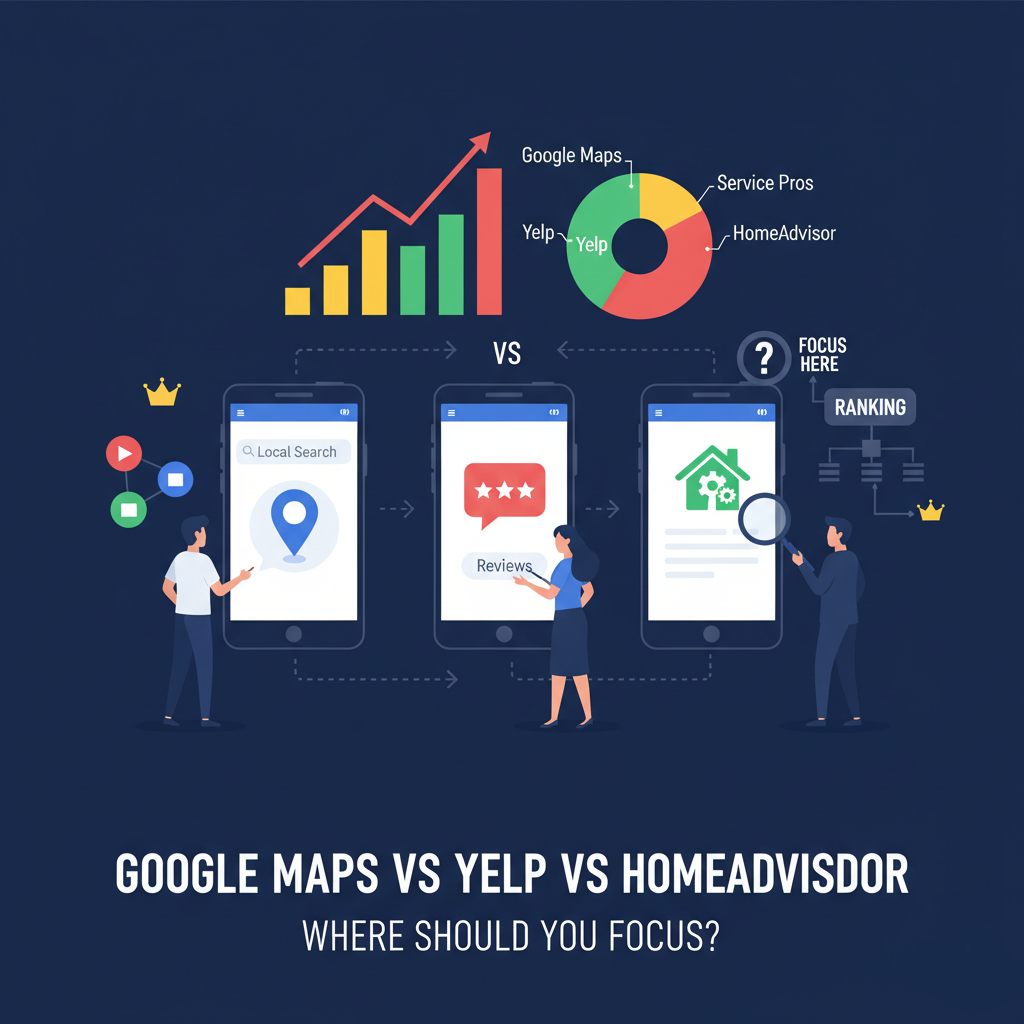
- Local Directories: Get listed on Yelp, Angie’s List, Thumbtack, HomeAdvisor, and local chamber of commerce websites.
- Backlinks: Obtain links from local blogs, neighborhood websites, or trade associations.
- Press Mentions: Request online mentions if you sponsor events in your local area.
Every mention adds credibility to you as an actual business providing services to the local community.
Step 8: Common SAB Mistakes to Avoid
Most service businesses are their own worst enemy by committing avoidable mistakes:
- Using fictitious addresses (virtual offices, UPS boxes).
- Picking the wrong category (e.g., “contractor” rather than “roofing contractor”).
- Procrastinating about reviews (or attempting to purchase phony ones).
- Listing too large an area of service (saying the whole state rather than your actual radius).
- Ignoring profile maintenance (old hours, old phone number, no images).
- Google desires correct, authentic listings. Don’t take shortcuts.
People Also Ask (with responses)
Can I appear on Google Maps without having a physical address?
Yes. Being a service area business, you may obscure your address and set your service area instead. Google will still list you if your profile is optimized.
How far can I define my service area?
Google permits a maximum of 20 service areas but keeps them realistic. Typically, remaining within 30–50 miles of your headquarters is ideal.
Do reviews play more of a role in SABs compared to storefronts?
Yes. Because you don’t have an office customers can view, reviews serve as your best trust indicator.
Will I rank in all the cities I define as a service area?
Not by default. Your position is strongest around your confirmed location and weaker the further you travel out. That’s why local SEO pages on your site are useful.
Case Example
The Long Island pest control business had no store, only a tiny home office. They obscured their location and established a 25-mile service range. Initially, they couldn’t show up on Google Maps.
After:
- Optimizing their GBP with the right categories.
- Developing service-area pages on their site.
- Collecting 50+ customer reviews with the term “Long Island pest control.”
- Sharing weekly project updates with images.
In six months, they were in the top 3 Map Pack results for “pest control Long Island” and “exterminator near me.”
The moral of the story: No storefront will prevent you from claiming the Map Pack if you get it set up right.
Conclusion
For service area businesses, Google Maps SEO can feel intimidating, especially without a public office. But the truth is, Google has built tools specifically for SABs to succeed.
The formula is simple:
- Set up your Google Business Profile correctly.
- Define your service area honestly.
- Gather high-quality, keyword-rich reviews.
- Keep your profile active with posts, photos, and responses.
- Support your GBP with a strong website and consistent citations.